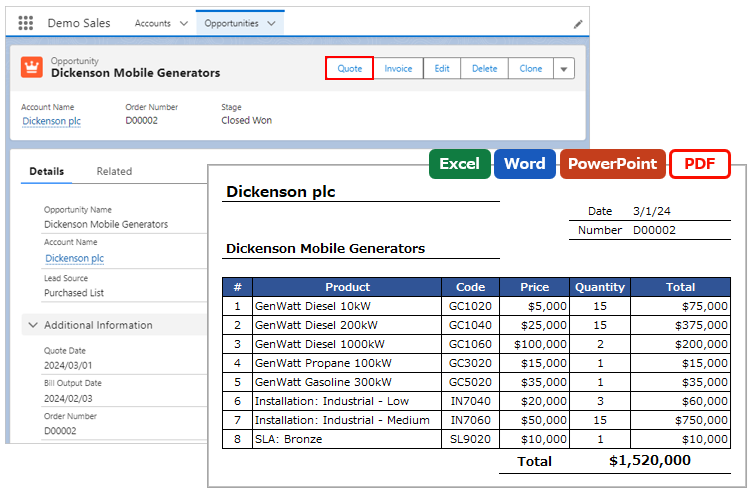
When outputting a file, the merge fields can be used in the file name.
Overview
Examples of Use
- Output Opportunity Name in the file name.
Required Settings
- OFC_Template Record Settings
OFC_Template Record Settings
Open the OFC_Template Record screen and set the merge fields to "Output File Name" in the "File Type" section.
Output File Name: Enter the output file name. Merge fields {!Object API Name.Field API Name} can be included in the file name.
e.g. Invoice_{!Opportunity.Name}

It is also possible to set the current date and time for the merge fields. (OFC Ver.2 or later)
e.g. Invoice_{!Opportunity.Name}_{!Today(), yyyyMMdd}
Output example: Excel output with the Opportunity Name "Dickenson Generators" and an output date of March 1, 2024
Invoice_Dickenson Generators_20240301.xlsx
Reference
Formatting of Date and Date/Time Fields
Output Today's Date and Current Time (Today/Now)