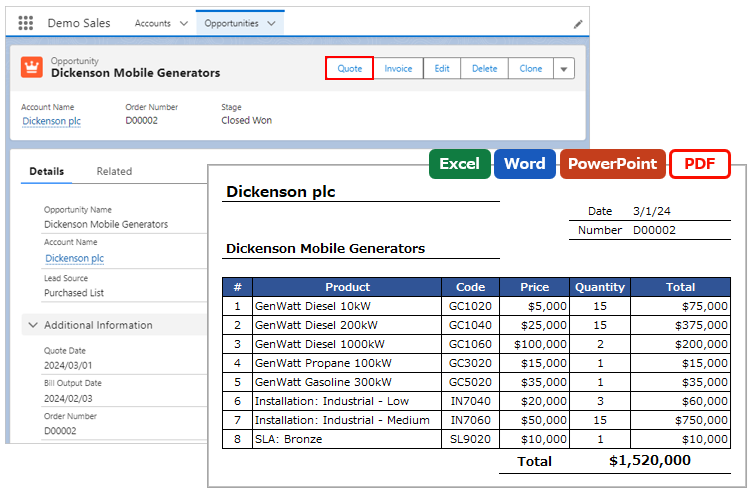
When outputting to Word, PowerPoint, or PDF, text can be added before or after the merge field.
*This feature is available in Office File Creator Ver. 2.
Examples of Use
- Output currency fields with a "$" at the beginning.
- Output number fields with "pieces" after them, such as "5 pieces".
Merge Fields Settings
Set "character@" or "@character" in the merge field. "@" is the record value of the field.
Merge Fields Format
Add text at the beginning: {!Object API Name.Field API Name, character@}
Add text at the end: {!Object API Name.Field API Name, @character}
e.g. {!Opportunity.Amount, $@}
Output Result: $1,000
e.g. {!Opportunity.TotalOpportunityQuantity, @ pieces}
Output Result: 5 pieces
Note
When outputting to Excel, the merge fields cannot be formatted. Format the cells in the template file.