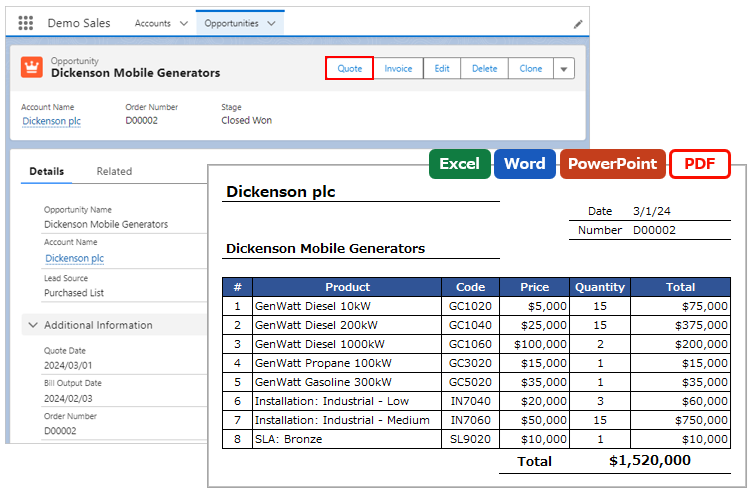
When outputting a file, today's date and current time can be output. Use the Today() and Now() functions for merge fields.
*This function is a feature of Office File Creator Ver.2.
Examples of Use
- Output today's date in the header of the quote document.
- Output current time to the file name.
Merge Fields Settings
Use the Today() and Now() functions for merge fields.
Merge Fields Format
Today's Date: {!Today()}
Current time: {!Now()}
Format Settings
Date and Date/Time Fields can be formatted for merge fields.
Formatting of Date and Date/Time Fields
Example of Format Today()
Today is March 1, 2024.
| Format Pattern | Result | Example of Merge Field |
| yyyy.M.d | 2024.3.1 | {!Today(), yyyy.M.d} |
| yyyy.MM.dd | 2024.03.01 | {!Today(), yyyy.MM.dd} |
| M, d, yyyy | 3, 1, 2024 | {!Today(), M, d, yyyy} |
| MMMMM, d, yyyy | March, 1, 2024 | {!Today(), MMMMM, d, yyyy} |
| EEE, MMM d, ''yy | Fri, Mar 1, '24 | {!Today(), EEE, MMM d, ''yy } |
Example of Format Now()
Today is March 1, 2024, at 12:08:56 PM.
| Format Pattern | Result | Example of Merge Field |
| yyyyMMddHHmmss | 20240301120856 | {!Now(), yyyyMMddHHmmss} |
| h:mm a | 12:08 PM | {!Now(), h:mm a} |
Reference
Formatting of Date and Date/Time Fields
Set Merge Fields to the File Name