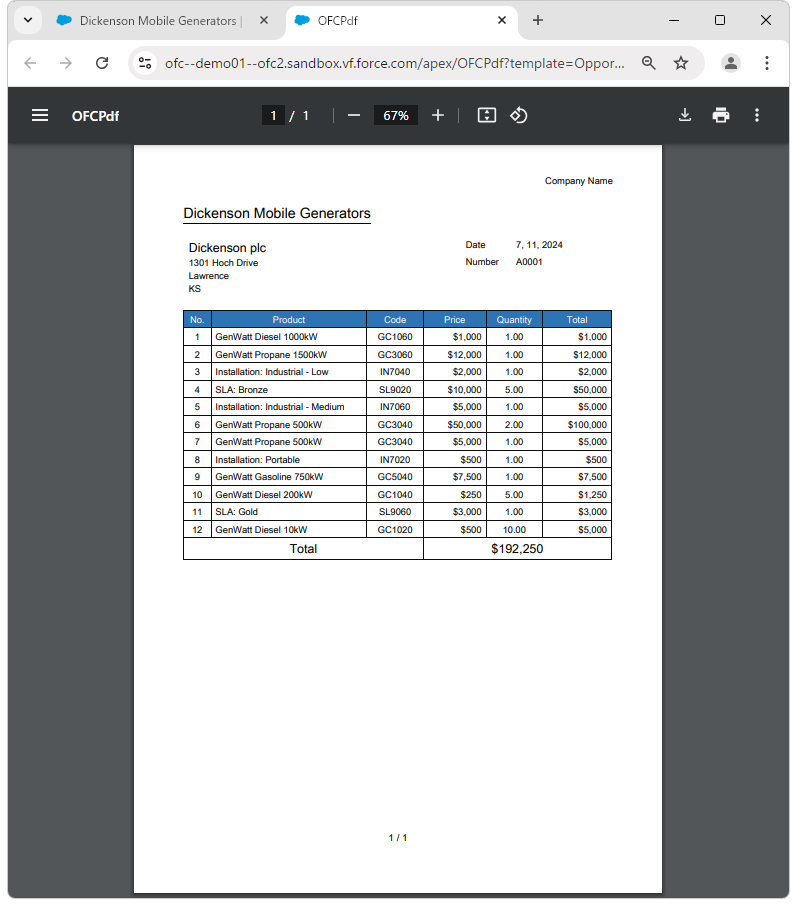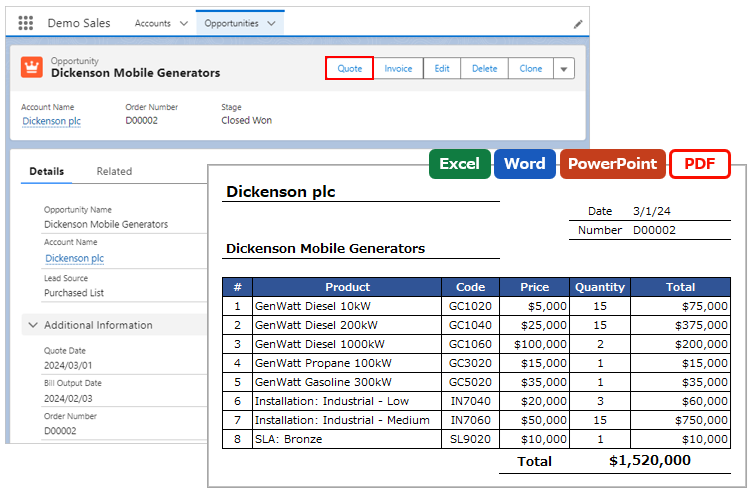
When creating a PDF, the PDF can be previewed in a new browser tab.
Custom Button
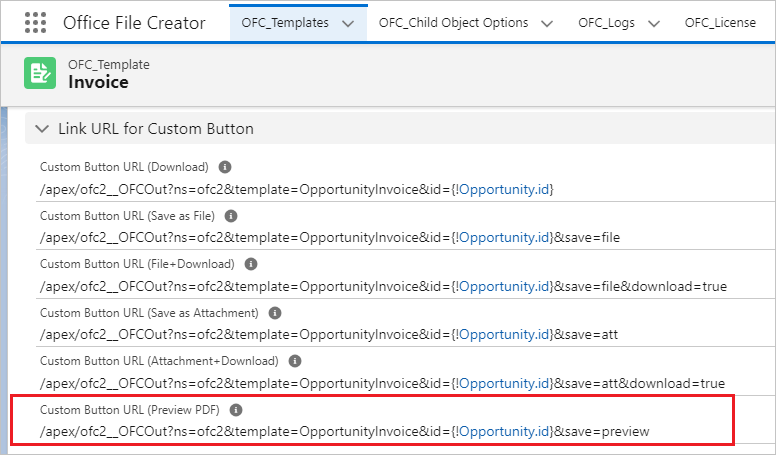
When creating the custom button, use the link to preview the PDF in the OFC_Template record in the URL of the custom button. For instructions on creating a custom button, refer to Create Custom Button.
Custom Button URL (Preview PDF)
Memo
When downloading the file after previewing, the file name defaults to "ofc2__OFCPdf.pdf" and the output file name set in the OFC_Template record is not applied.
Lightning Component Button
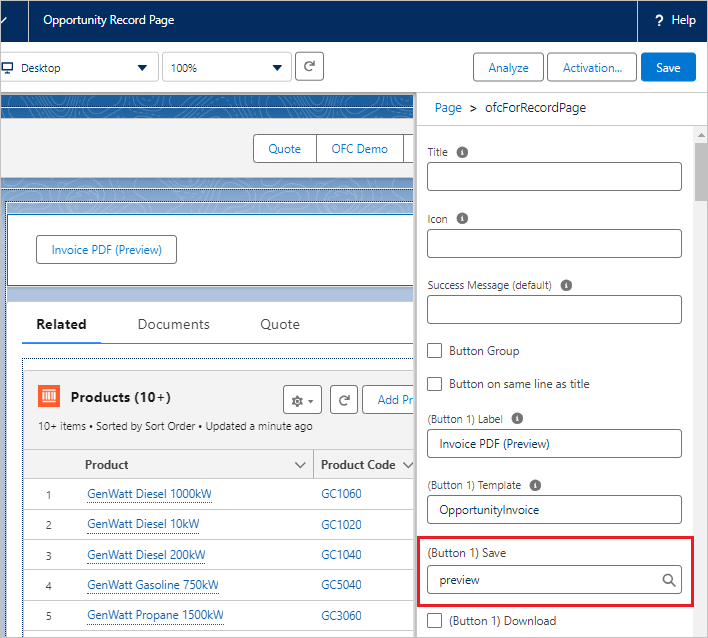
When creating the Lightning component button, set the "(Button XX) Save" property of the ofcForRecordPage component to "preview". For instructions on creating a Lightning component button, refer to Create Lightning Component Button.
*preview is a Ver. 2 option.
(Button XX) Save: preview
Memo
When downloading the file after previewing, the file name defaults to "OFCPdf.pdf" and the output file name set in the OFC_Template record is not applied.
PDF Preview
Clicking the button previews the PDF in a new browser tab.