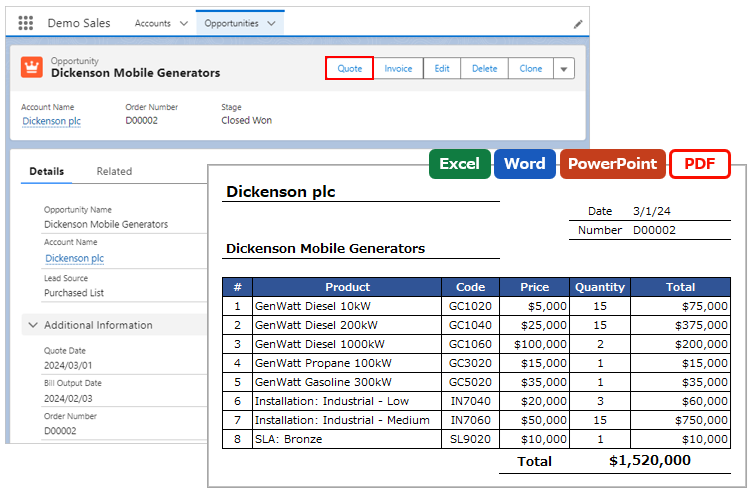
In the application, HTML is converted to PDF using the PDF generation function of Visualforce in Salesforce, and the page break position is automatically judged by the Visualforce.
When automatic judgment is made, the borders output of the table between page breaks cannot be adjusted on the application side.
Consider the following alternatives.
a. Set the number of rows per page using the PDF Page Break Settings feature.
b. Use the HTML Preview feature and save a PDF using the browser's print function.
Instruction manual